Dog Tag - QR Code Instructions
To guide you with your pet's brand new Dog Tag QR, please follow these steps:

To guide you with your pet's brand new Dog Tag QR, please follow these steps:

Fill out the online form with your personal and pet's information.
Save your profile and create a password to register your pet.
Easily update your information by logging into idtag.link and clicking "All Information"
Scan or have your pet's QR code tag scanned at any time to view their information.
We're happy to help the process as smooth as possible for you and your furry friend with their new QR Cat/Dog Tag.
Please contact qrcode@tag4mypet.com if you have any questions.
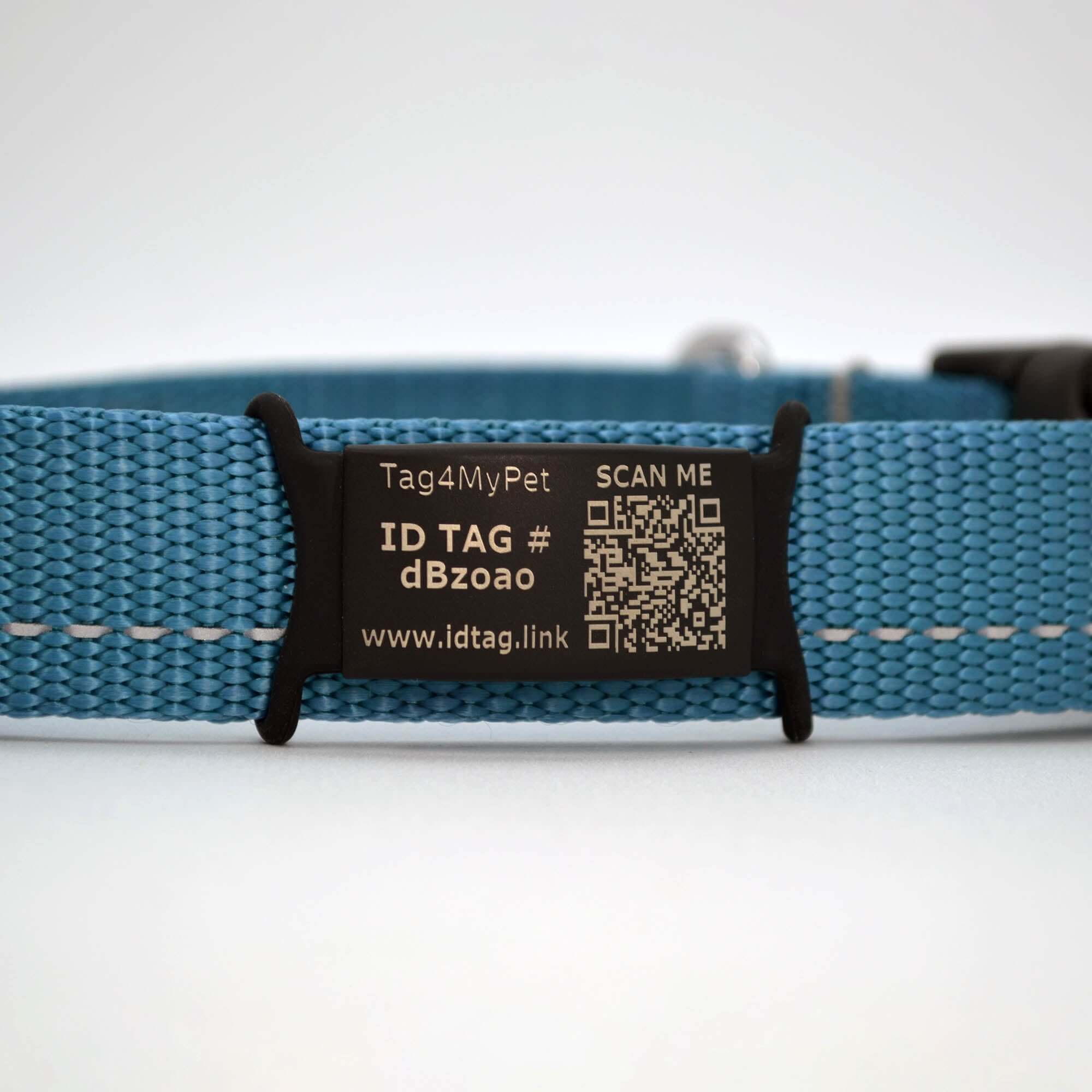
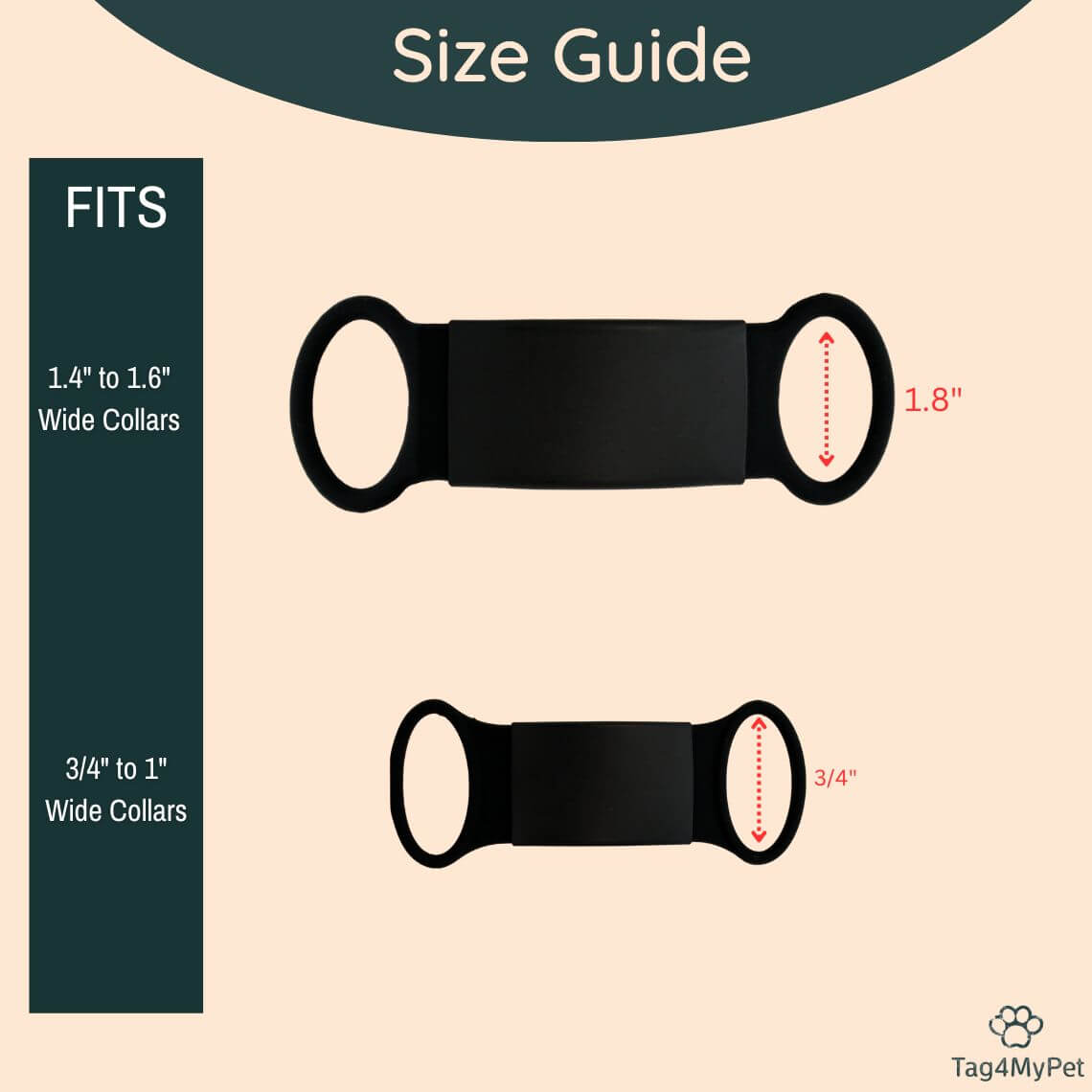
Our Dog Tag QR is a tag designed to slide onto your pet's collar, featuring a QR code that can be scanned with a smartphone. This QR code page contains essential information about your pet, such as their name, your contact details, and any medical information. Fitted for both dogs and cats.
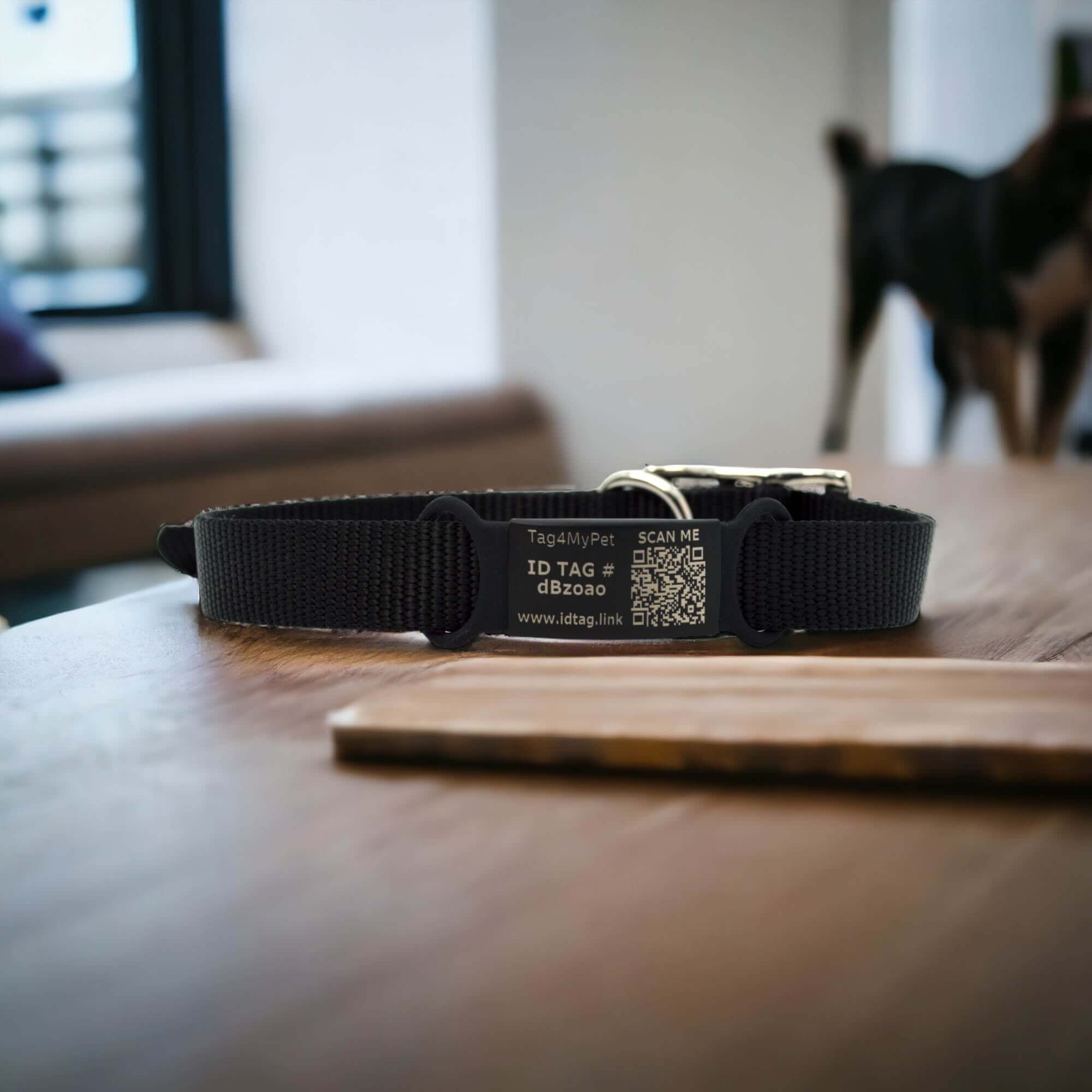
For our Slide-On Dog ID Tag with QR code, simply slide it onto your pet's collar. If your pet ever gets lost, someone can scan the QR code with a smartphone to access the information you've provided and contact you.
Yes, you can update the information in the QR code at any time. Simply log into idtag.link and update your information by clicking "All Information"
There are no fees, subscription, or app required. This Dog Tag QR is available to work on any device and provides users a seamless experience using our very own UI.
To maintain the scannability of the QR code, avoid scratching or damaging the surface of the dog tag QR. Regularly clean the dog tag QR with a mild soap and water solution to remove any dirt or debris that could obscure the QR code.